
Gecko Wolvic 1.9 and Chromium Wolvic 1.3 Released
Welcome to this new release of Wolvic: today we are announcing Wolvic 1.9 (Gecko) and 1.3 (Chromium).
It includes:
- A new Custom Search Engine feature
- A new a Speech-to-Text engine for voice search, allowing transcription without leaving the device, via Vosk ASR models.
- The ability for the browser to persist browser state between upgrades.
- Google Earth support
- New 3D environments
- Several UI fixes, time picker min/max support, steps in date/time picker
- (For Gecko) an update to the version it’s based on.
Gecko Update
This version updates Gecko from 128 to 140. It is a significant jump between two major Extended Support Release (ESR) branches, accounting for hundreds of important bug fixes.
New and Notable Features
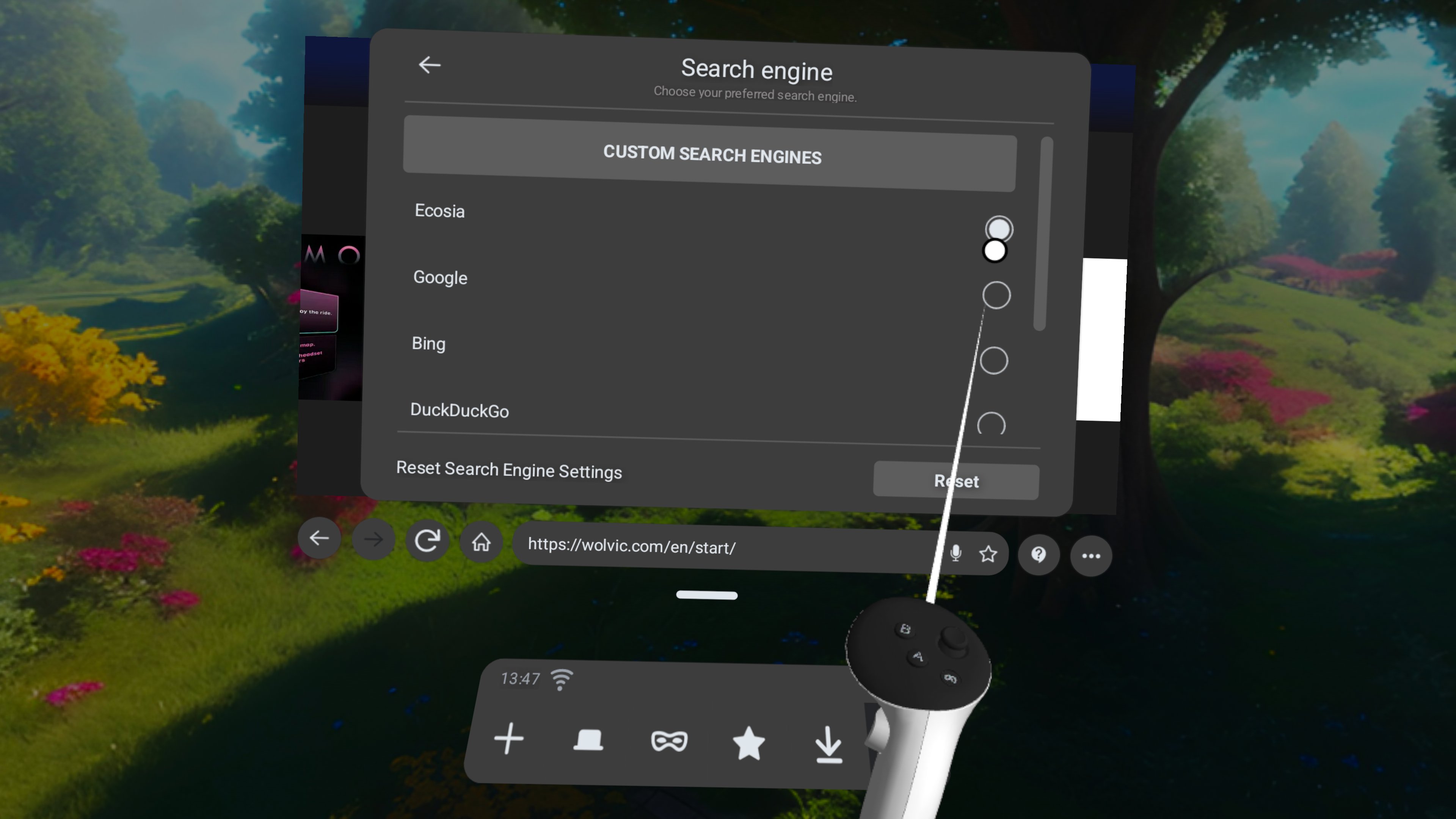
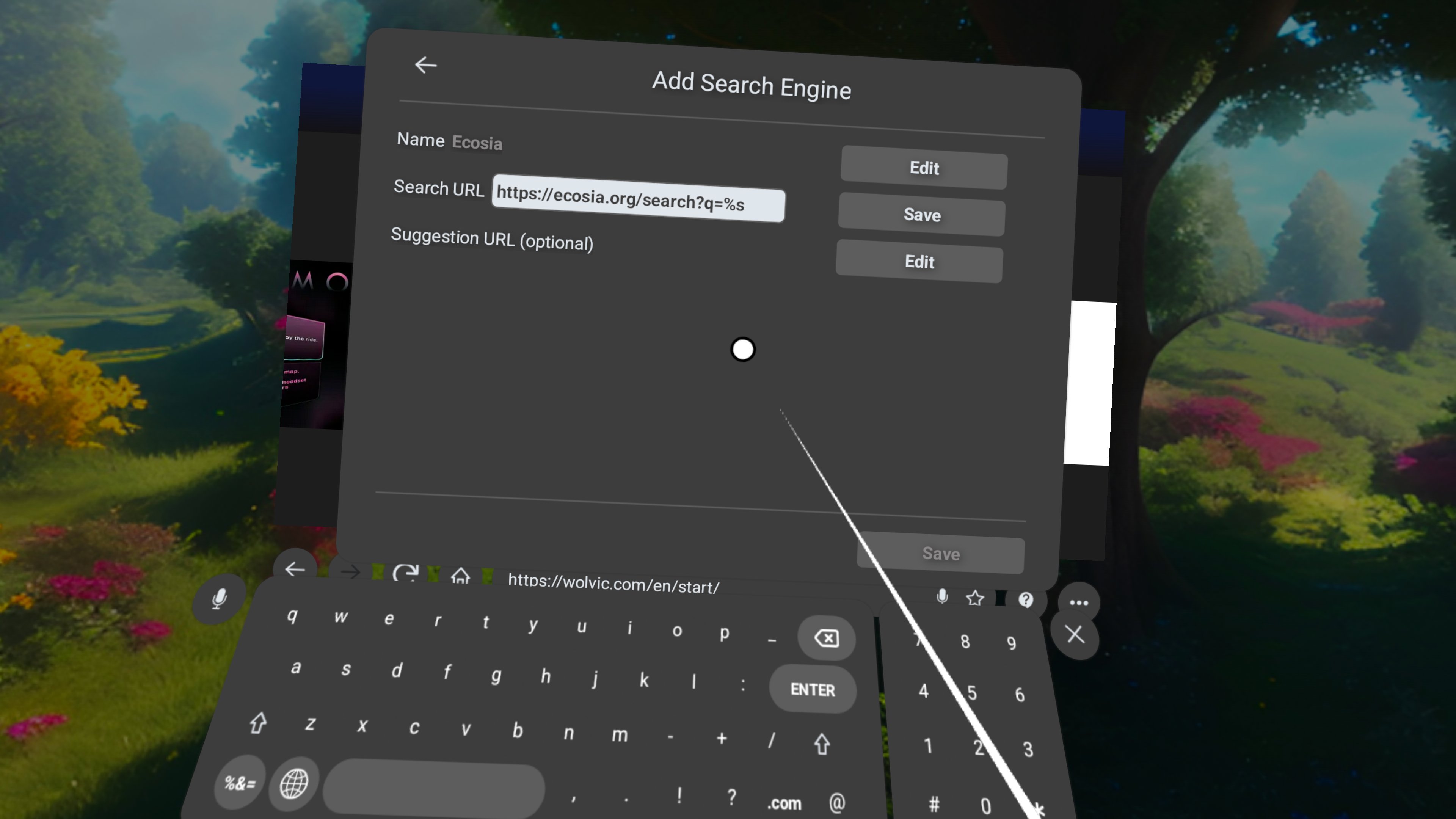
Custom Search Engine feature
We’ve added a way to allow users to set up new search engines as their defaults. This supports both search results and search suggestions.
Google Earth Support
Many web pages offer users the ability to install a native app instead. In some of these cases, Wolvic would previously fail with an error. Now we are able to gracefully navigate to a fallback URL and thus access the web-based experience. One such popular example that now works correctly is Google Earth.
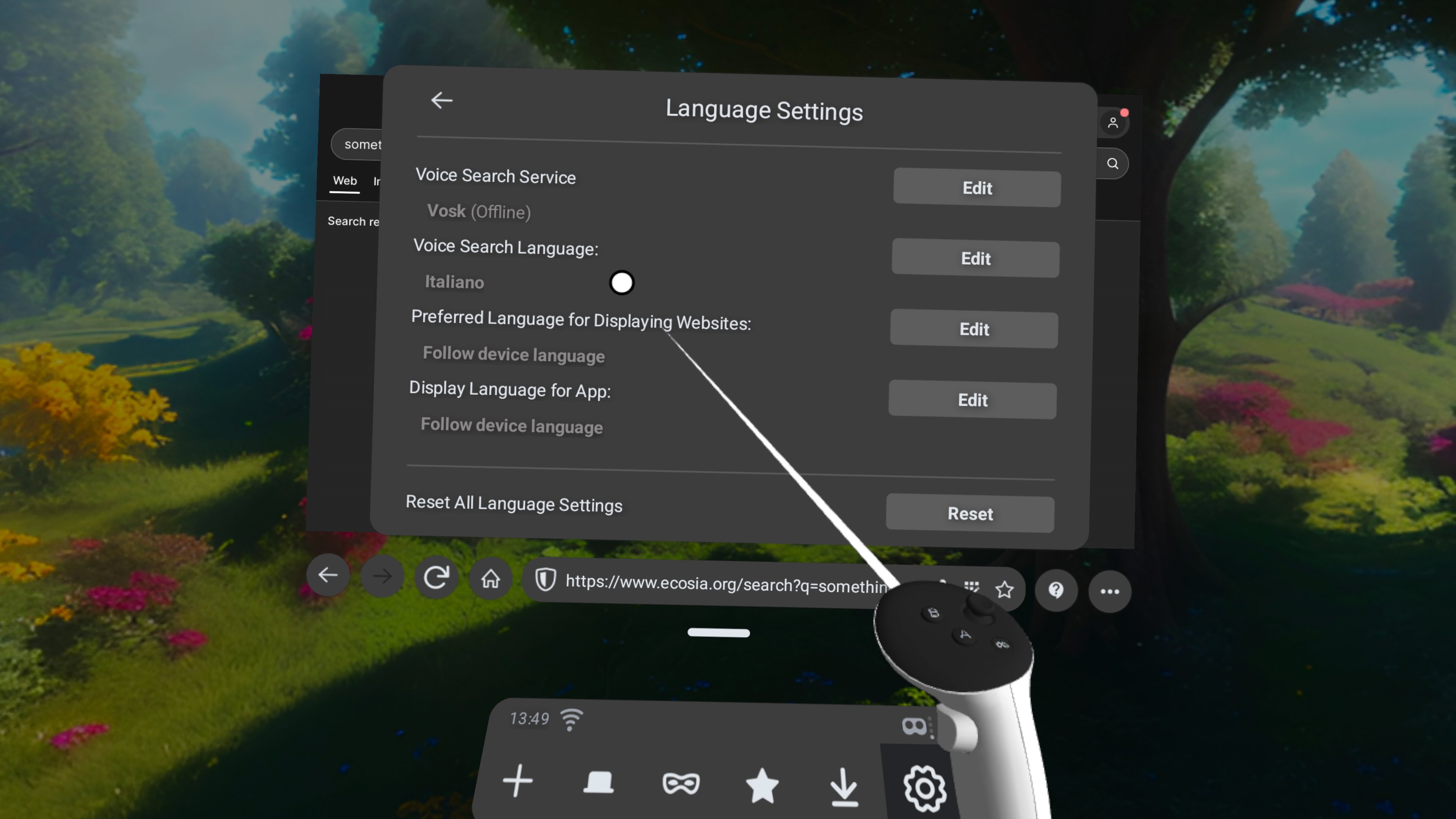
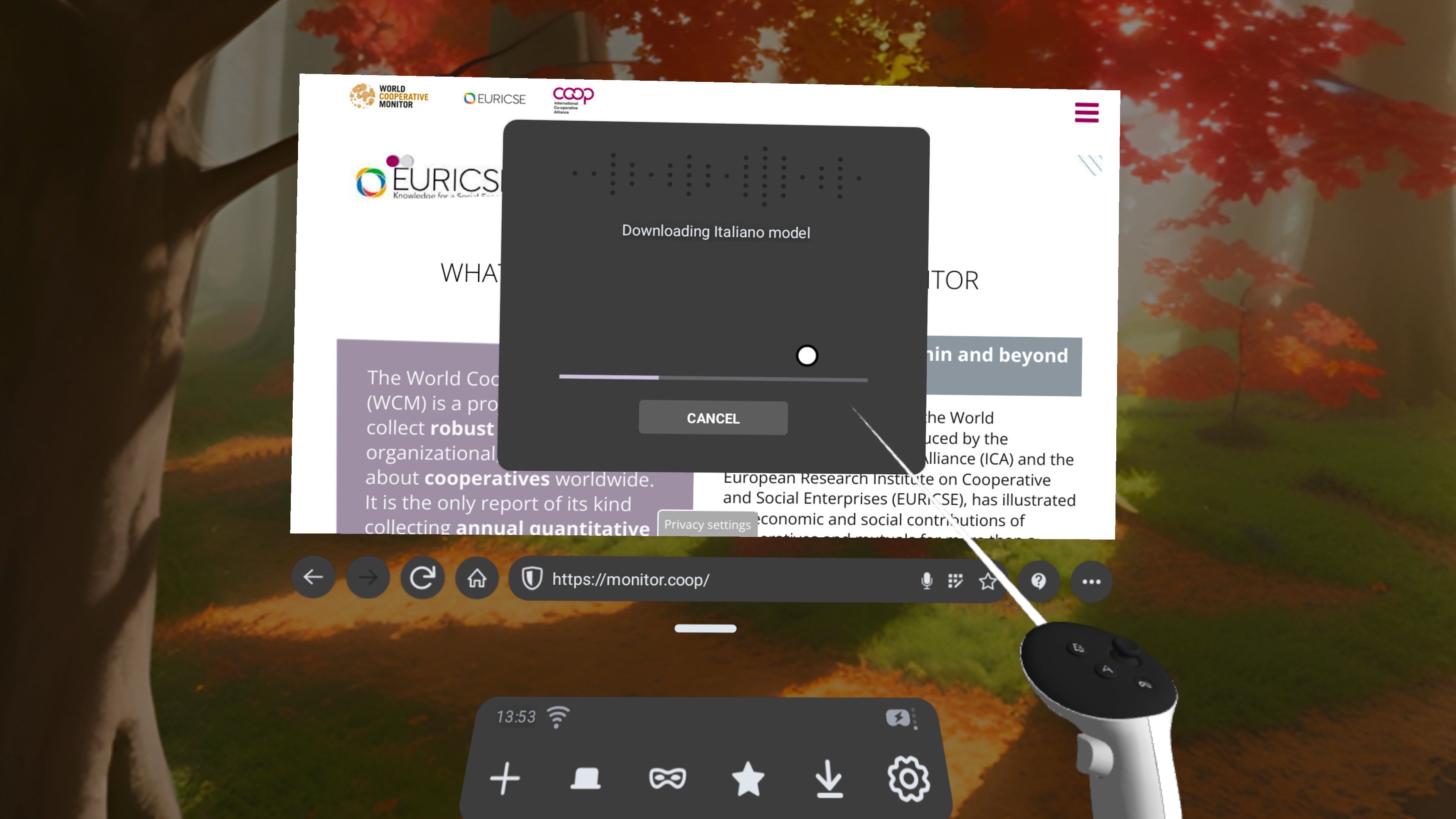
Open Source Voice Input based on Vosk ARS models
We’ve also added a new Open Source Voice Input, which doesn’t require your voice to leave the device. Speech to text can be completed completely offline. Language models are downloaded on demand and area less than 50Mb. English, Spanish, Deutsch, Italian, Chinese, French and Russian are supported.
Persisting browser state in between upgrades
We also fixed an annoying bug that was corrupting the browser state between upgrades. We’re happy to say that open tabs should no longer be lost after an upgrade.
Bug fixes and enhancements
Video sites
We’ve added support for additional VR sites and fixed some related bugs. Among these, Paramount+ support has been restored.
Changes caused Paramount+ subscribers to require manually setting desktop mode. It should work correctly again.
Lynx-R1 updates
Not strictly a new device, but we’re releasing packages for it again. The Wolvic icon is now shown in the app launcher instead of a generic Android icon. We’ve also added several required permissions to the manifest required by the latest OS updates.
HorizonOS updates fix
Fixed a bug preventing users from typing on text entries caused by the last HorizonOS update
Security
We’ve removed the FirefoxReality crash reporting service. It hasn’t really been working correctly since the transition from Firefox Reality and was actually causing crashes in the background. We also secured several string manipulation methods that could cause crashes.
UI enhancements
We’ve also made a few UI enhancements, including:
- Added min/max support for the time picker widget
- Support for step and list attributes in date time picker widget
- New X 3D environments
Development
There was an issue with some libraries linked by Wolvic with sizes not aligned with the loading boundaries currently enforced by Google Play. This has been fixed by adapting the building mechanisms to adjust the size of those libraries to 16kb during the linking phase. We don’t currently distribute Wolvic via Google Play but we’re ready just in case.
New Environments
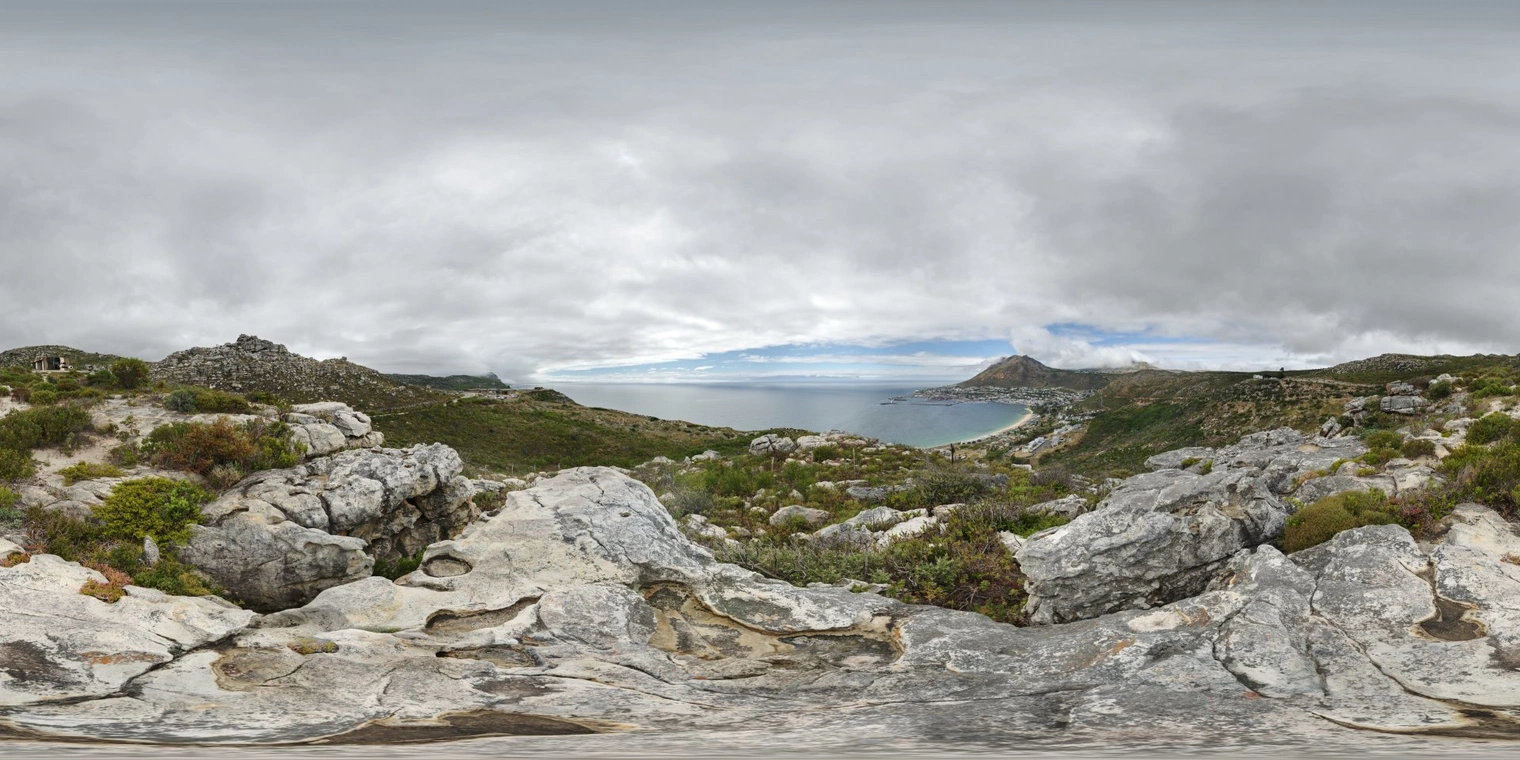
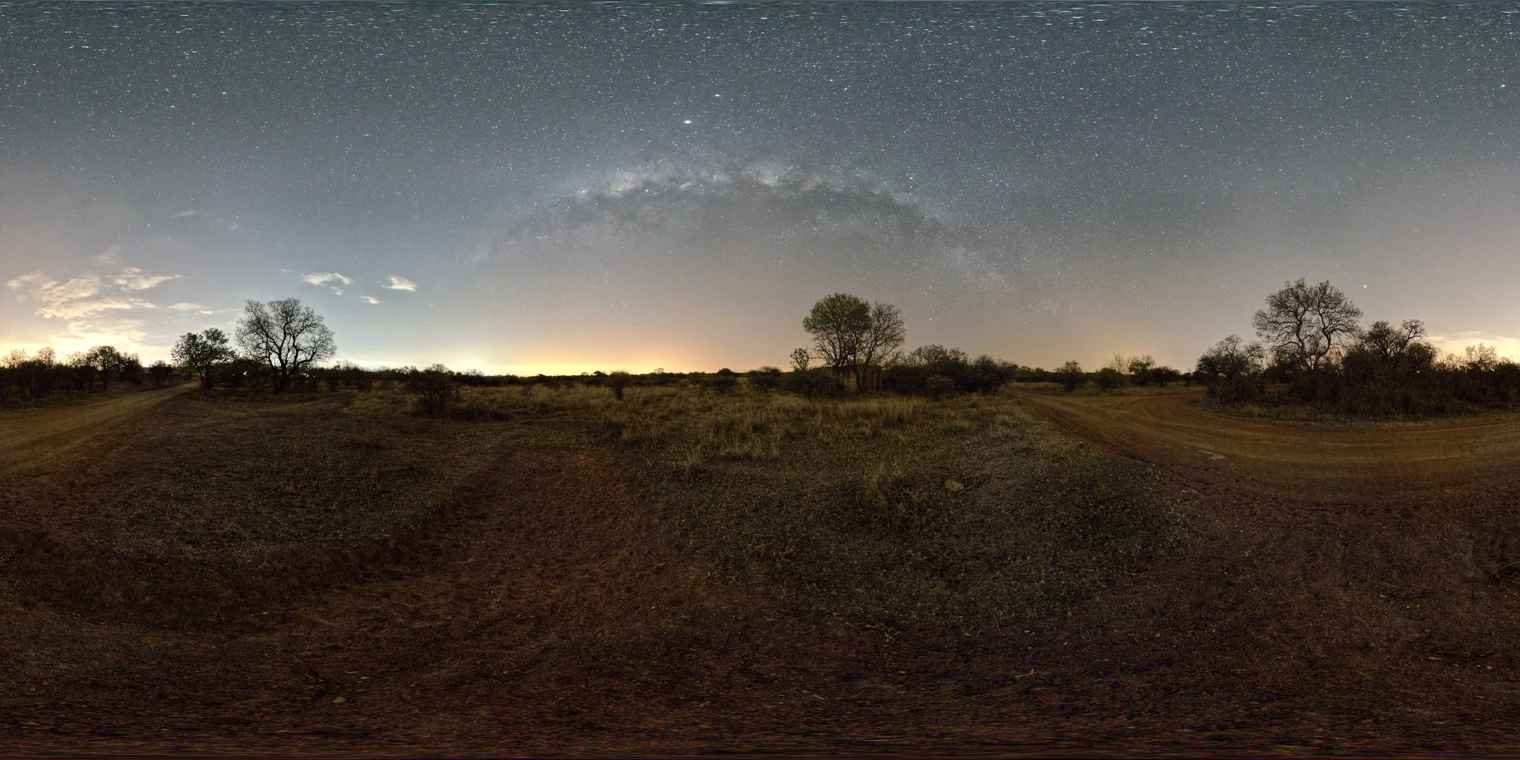
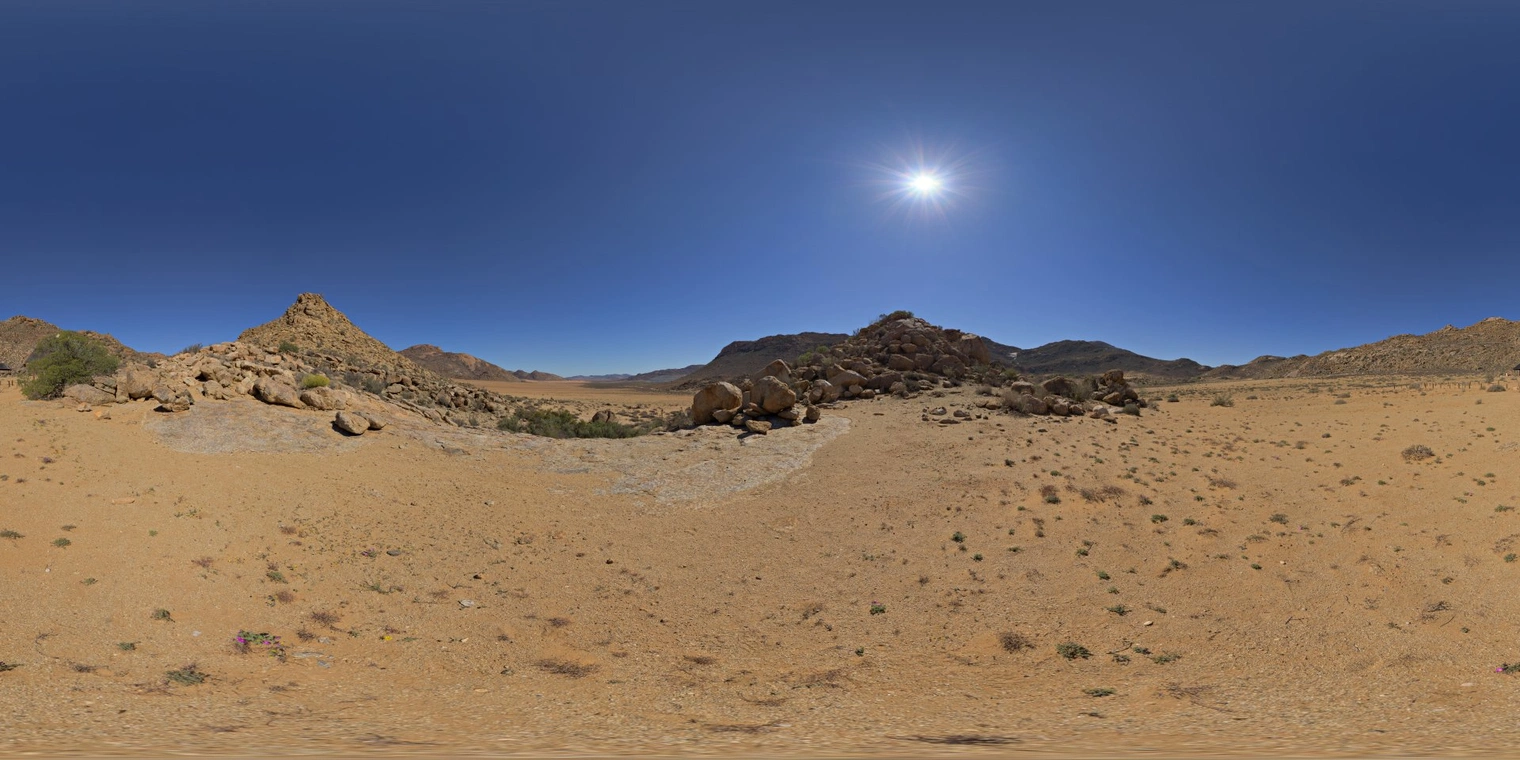
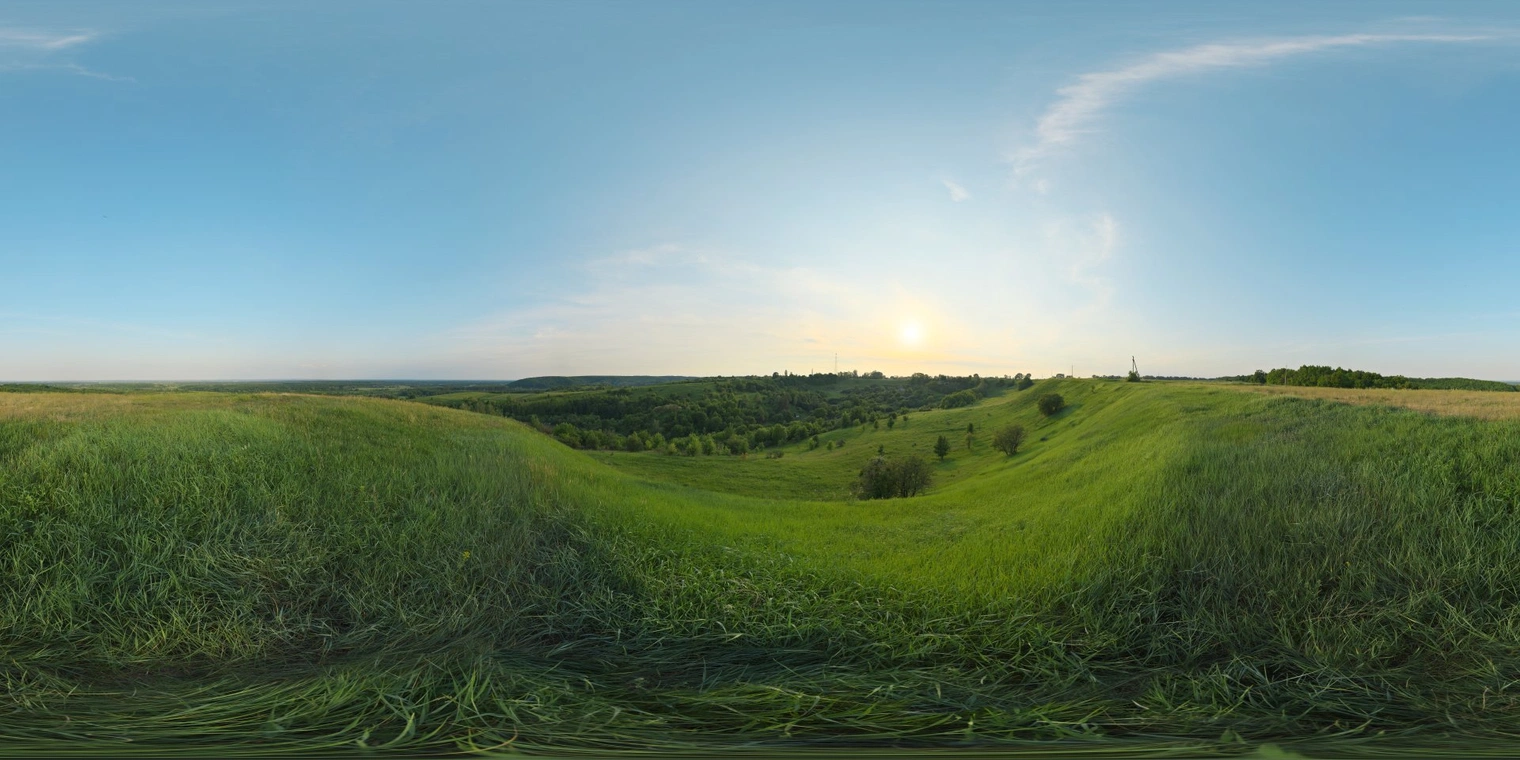
And last, we’ve gone with a quiet nature theme for the four 3D environments added in 1.9, available in Settings > Environment. Our thanks to Greg Zaal and Sergej Majboroda for releasing their works under Creative Commons 2.0 licenses.
Thank You!
We can’t overstate how much the community helps to make this possible. This release includes many fixes contributed by the Wolvic community. We’d like to thank all the great contributors that help to keep the project alive and healthy!